Skip to content
Shops and workshops from across Europe · Pay on delivery or by bank transfer · 14 days to change your mind
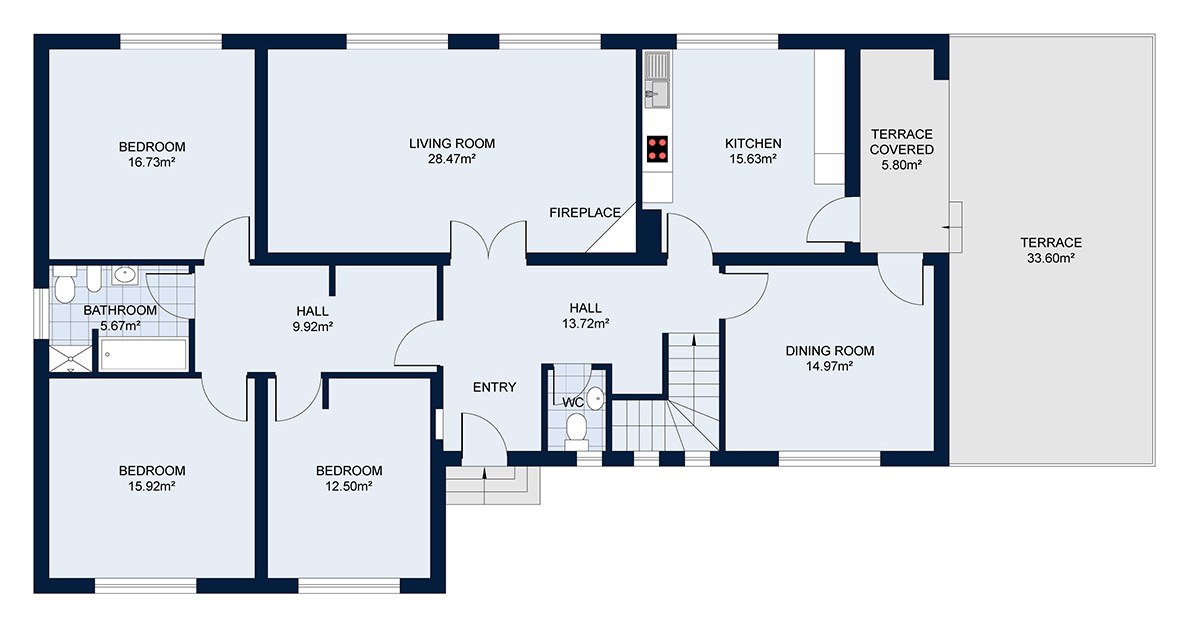
Your floor plan →
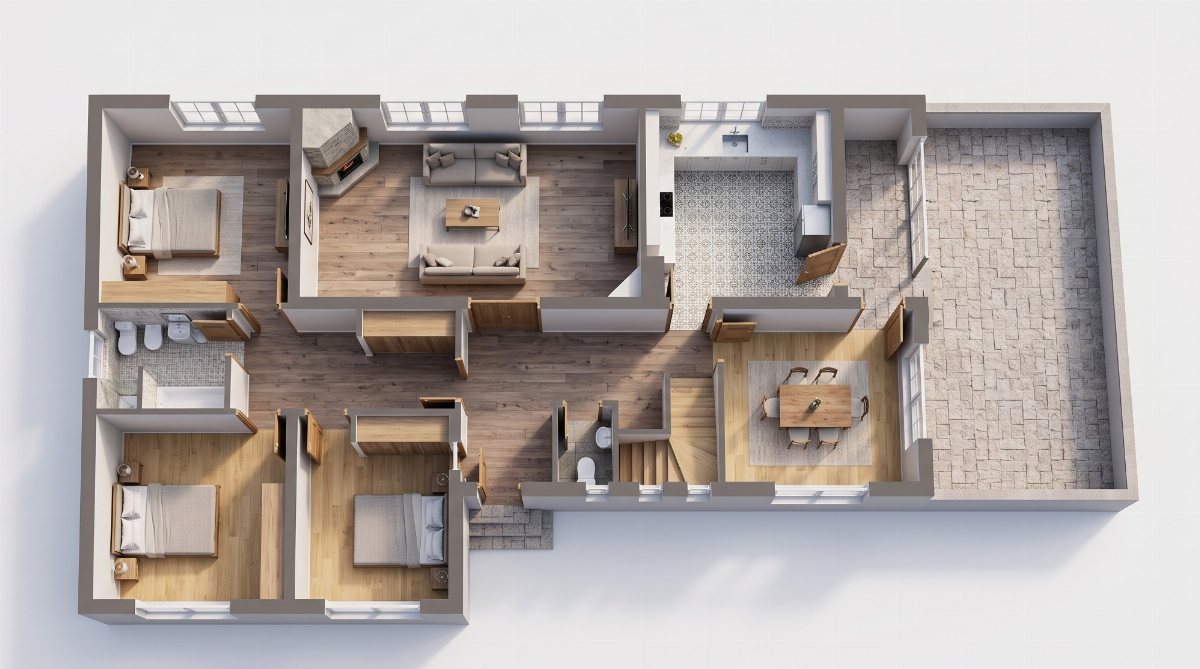
3D view with furniture
Sign in to create a 3D plan
The plan and 3D view are saved in your account and only you can see them. The first 3D plan of the day is free.
Sign in or create an account (takes a minute).
Upload a floor plan image and confirm the rooms.
Arrange furniture from your cart by room — you get a 3D view.
Log in
Create account
New arrivals, first for you
New collections, promotions, and home decor tips. Up to twice a month, unsubscribe with one click.
Try in your room
New try-on
New photo
Try it out with products from your cart
Select furniture in the shop and tap "Add to cart and try in room" — the product goes into your cart and the trial opens immediately. You can remove it from the cart after the trial.
Step 1 · Photo
Take a photo of your room
From a room corner, phone horizontally — so the floor and at least two walls are visible.
Open camera Open camera Choose from gallery
or drag photo here
How to take a photo of my room?
Tap the wall where you want the furniture 👆
Usually takes 20–60 seconds.
Hold for original
Retake photo Use this photo
Save to My try-ons Download Share with household Change layout
The image is an AI-generated illustration. If the selected furniture cannot fit in your room, the AI may make mistakes—shortening, shrinking, altering, or omitting the piece. Check the product and room dimensions before purchasing.
In this room
Add all to cart
Something else (optional)
1 Photo 2 Wall 3 Products and room
How would you like to try it?
First choose: visualization only or room size consultation 👆
Visualize only See selected products in your room.
Room size consultation Enter wall lengths — we will tell you which of the selected items fit in your room and which do not.
Step 1 · Room photo
First, take a photo of the room or choose a photo from your gallery 👆
How to take a photo
1 Stand in the corner of the room With your back as close to the wall as possible, to capture more space.
2 Phone horizontally At chest height, straight forward — not towards the ceiling or the floor.
3 Floor and two walls And the entire wall where the new furniture will go.
4 Enough light Daylight or artificial lighting. No flash or zoom.
Like this, not like this
Entire corner
Too close
Towards the ceiling
Too dark
The photo is used only for this try-on and will be deleted after 24 h.
Step 2 · Wall for the furniture
Tap the wall in the photo where you want the furniture 👆
The largest piece (sofa, bed, TV stand) goes against this wall, and the rest is arranged around it. You can change the position by tapping again.
What's in the room now
There is furniture in the room The room is empty — the selection will be placed directly into it. I couldn't check the room — choose what to do with the furniture currently in it.
Replace — create image The selection will replace items of the same type (sofa for sofa, armchair for armchair). Everything else in the room remains.
Clear the room We will remove all furniture from the floor and place only the selected items into the empty room.
Next
Step 3 · Products and room
Add the products you want to see in your room 👆
From your cart
The room trial is for products in the cart. Add more products using the "Add to cart and try in room" button in the shop or on the product page.
Add all from cart
Next
Room type
Choose what kind of room this is, then press "Try in room" 👆
Living room
Bedroom
Dining room
Kitchen
Home office
Bathroom
Living room with dining area
Open plan — kitchen, dining, living
Family room
Library, reading room
Winter garden
Kitchen with dining area
Pantry
Guest room
Children's room
Nursery
Walk-in closet
Ensuite bathroom
Toilet
Studio apartment
Home gym
Home cinema
Playroom
Wine cellar
Sauna and spa
Entryway
Hallway
Laundry room
Garage
Attic
Basement
Storage
Terrace
Balcony
Yard, garden
Rooftop terrace
Pool area
Show more (31)
Living room
Living room with dining area
Open space — kitchen, dining, living
Family room
Library, reading room
Winter garden
Kitchen
Kitchen with Dining Area
Dining room
Storage Room
Bedroom
Guest Room
Children's Room
Nursery
Walk-in Closet
Bathroom
En-suite Bathroom
Powder Room
Home office
Studio Apartment
Home Gym
Home Cinema
Playroom
Wine Cellar
Sauna and Spa
Entryway
Hallway
Laundry Room
Garage
Attic
Basement
Storage
Terrace
Balcony
Yard, Garden
Rooftop Terrace
Pool Area
Tap the wall in the photo where you want the furniture 👆
What is currently on that wall?
What is on the wall you marked? Choose here — or leave as "nothing special" 👆
What is currently on that wall
If it's nothing special, leave "nothing special" — the products you've chosen will go against that wall.
Product layout
Automatically AI arranges the furniture against the wall you marked, following rules for this room type: sofa faces it, headboard goes against it, table in front of it.
Arrange yourself Tap on the photo where each product goes; drag to show which way it faces.
👆
Place every selected piece — "Try in room" becomes active when all are in the photo.
Clear layout
Create account
Log in
Send me a confirmation link
Floor and two walls in frame · phone horizontally
We only use cookies that are essential for the website to function. With your consent, we would also use analytics cookies — to see where visitors come from and what to improve. You can change your choice at any time, at the bottom of the page. Cookie Policy
Only essential
Settings
Accept all
Home Categories Trial Cart Account
0
Registered users have 1 free trial per day in their room.
Log in
New account
Compare ×